
How IP Restrictions Work
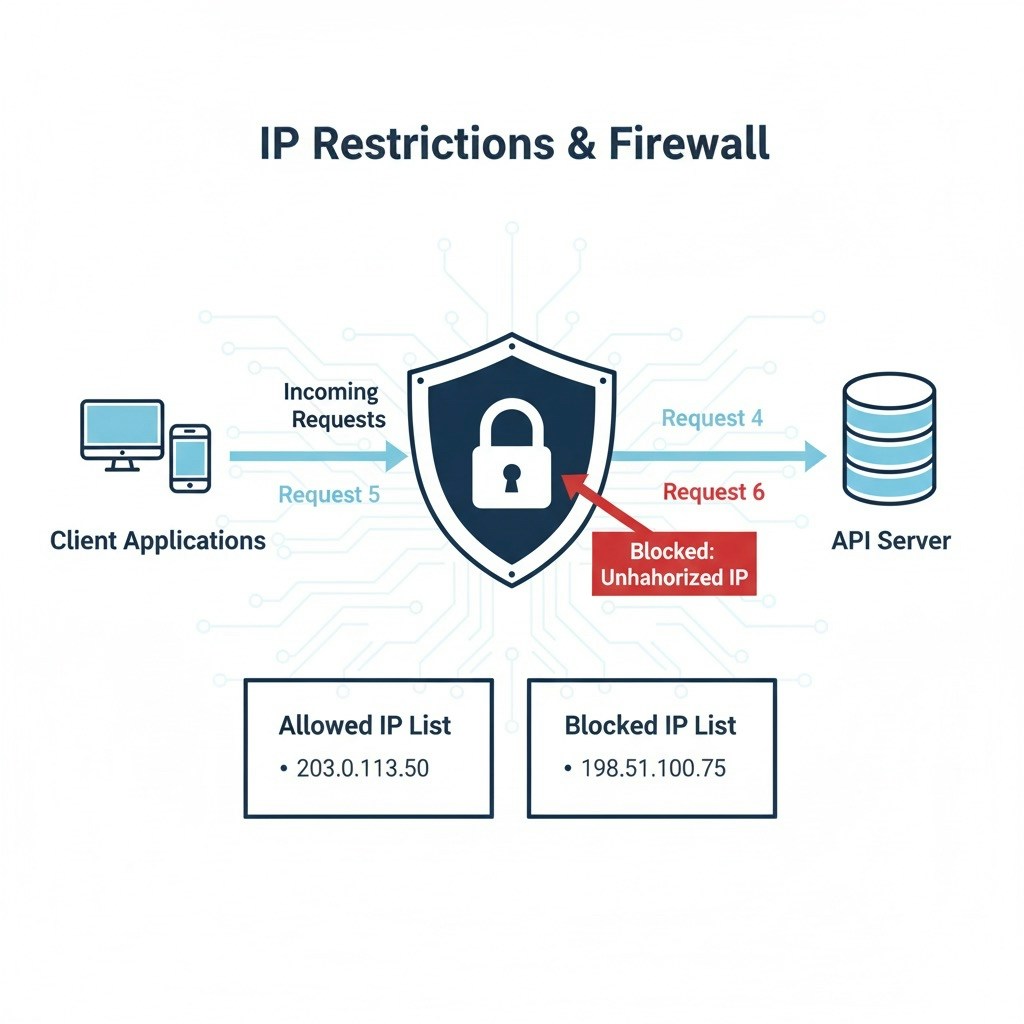
- Allowlist:
Add one or more IP addresses or CIDR ranges to your account’s allowlist. - Enforcement:
Any API request from an IP not on the allowlist will be denied with an authentication error. - Management:
You can update your allowed IPs at any time through the developer dashboard or by contacting support.
Example Error Response
Tip:
Use IP restrictions in combination with strong authentication for maximum protection.