
This guide helps you get up and running quickly — from requesting credentials to making your first successful call.
Overview
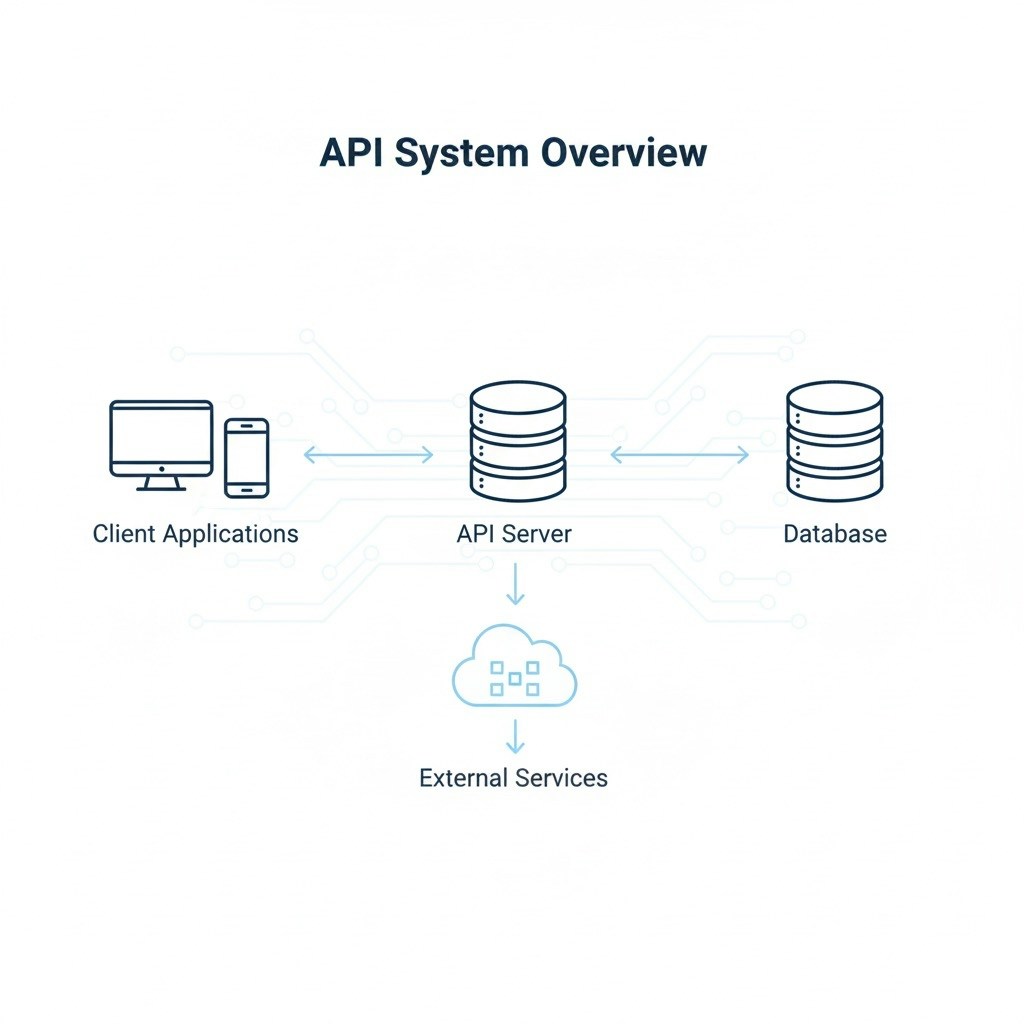
The eStream API provides secure access to internal data and endpoints through an authentication token.All endpoints are REST-based and respond in JSON.
Steps to Begin
-
Request API Access
Contact your administrator or integration support team to receive your API credentials.
You’ll receive a username, password, and environment URLs (QA and Production). -
Authenticate and Get Token
Use your credentials to call the/auth/tokenendpoint.
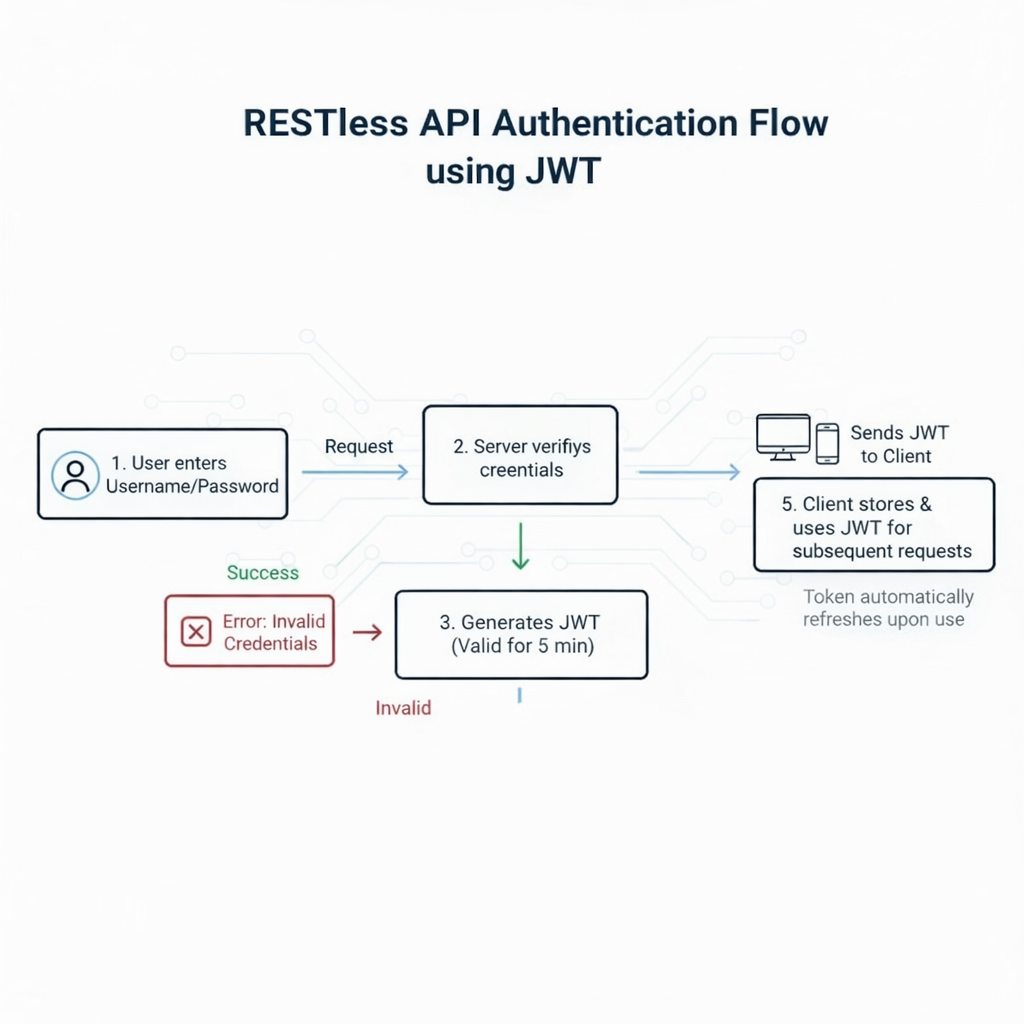
You’ll receive atokenthat must be passed as atokenquery parameter on all subsequent requests. -
Make Your First Request
Once authenticated, use any of the available API endpoints documented in the API Reference section.
Authentication
The eStream API uses a secure token-based authentication model.Login with Username & Password
To obtain a token, call the/auth/token endpoint with your username and password.
Example Request
How to Use Token
Include your token in every API request as a query parameter.Example
Environments
QA vs Production
💡 Tip:
If you’re new to APIs, start in the QA environment before moving to Production.