
Overview
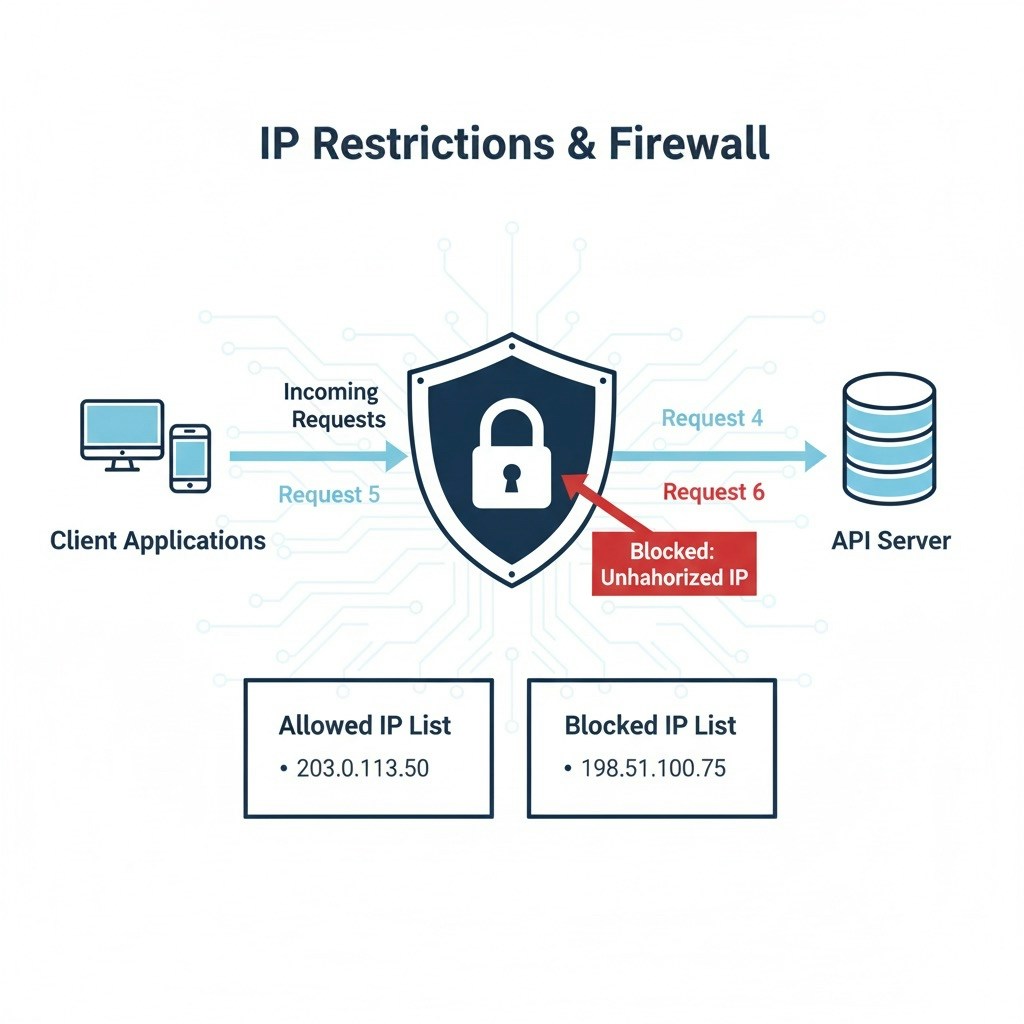
For enhanced security, the TeleMapper API allows you to restrict access based on IP addresses. By specifying allowed IPs, you can ensure that only requests from trusted networks are accepted.How IP Restrictions Work
- Allowlist:
Add one or more IP addresses or CIDR ranges to your account’s allowlist. - Enforcement:
Any API request from an IP not on the allowlist will be denied with an authentication error. - Management:
You can update your allowed IPs at any time through the developer dashboard or by contacting support.
Example Error Response
Tip:
Use IP restrictions in combination with strong authentication for maximum protection.
Access
To start using the eStream API, you need to obtain an access token. This token authenticates your requests and determines your permissions and usage limits.How to Request Access
-
Sign Up:
Register for an account on the eStream developer portal. -
Submit an Access Request:
Fill out the API access form with your organization details and intended use case. -
Approval Process:
Our team will review your request and notify you once your access is granted. -
Receive Your Token:
After approval, you’ll receive an access token via email or in your developer dashboard.
Example Success Response
Rate Limit
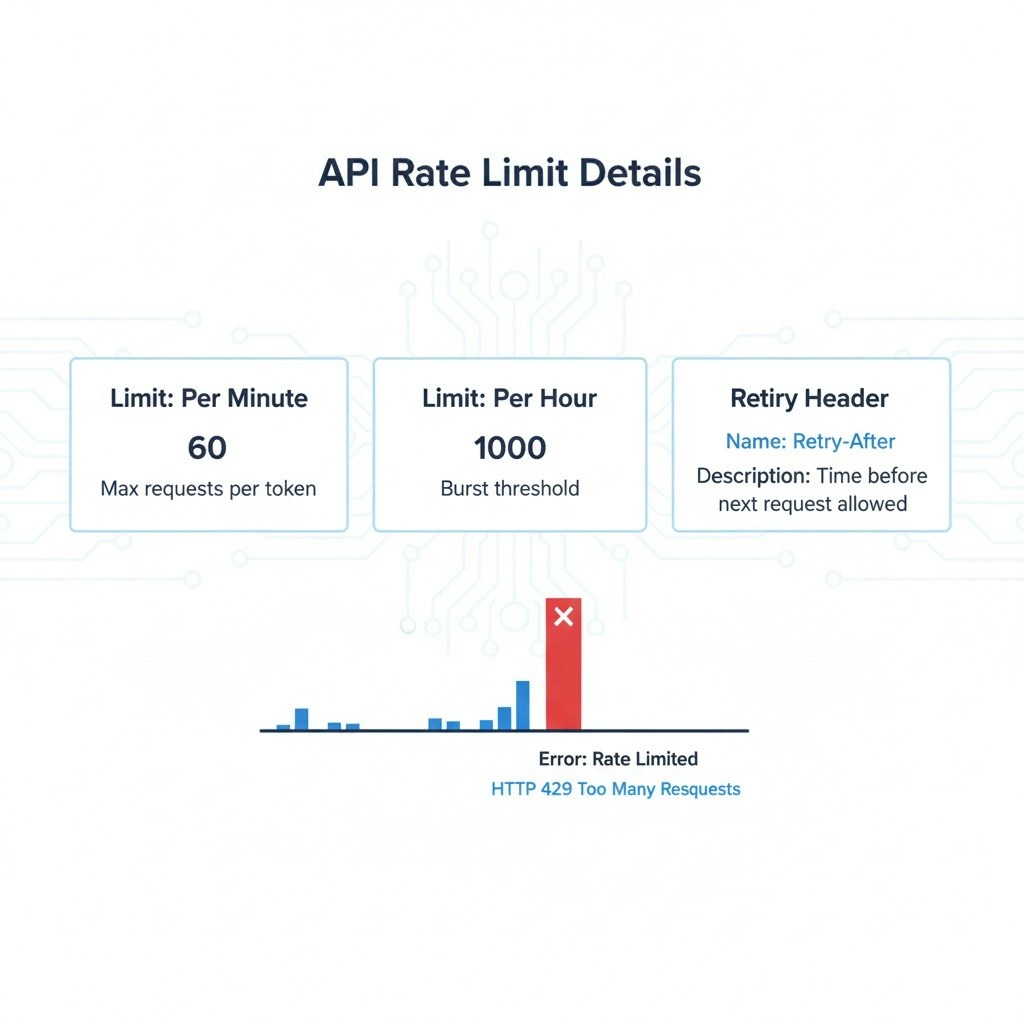
To ensure stability and fair usage, the TeleMapper API enforces rate limits per access token.
If your limit is exceeded, you’ll receive a
429 Too Many Requests response.
Example Error
Error Codes & Responses
The eStream uses consistent HTTP status codes for all responses.Each code includes a clear message and optional
error_code field for advanced integrations.