> ## Documentation Index
> Fetch the complete documentation index at: https://docs.estream.com/llms.txt
> Use this file to discover all available pages before exploring further.
# Getting Started
Welcome to the eStream API!\
This guide helps you get up and running quickly — from requesting credentials to making your first successful call.
## Overview
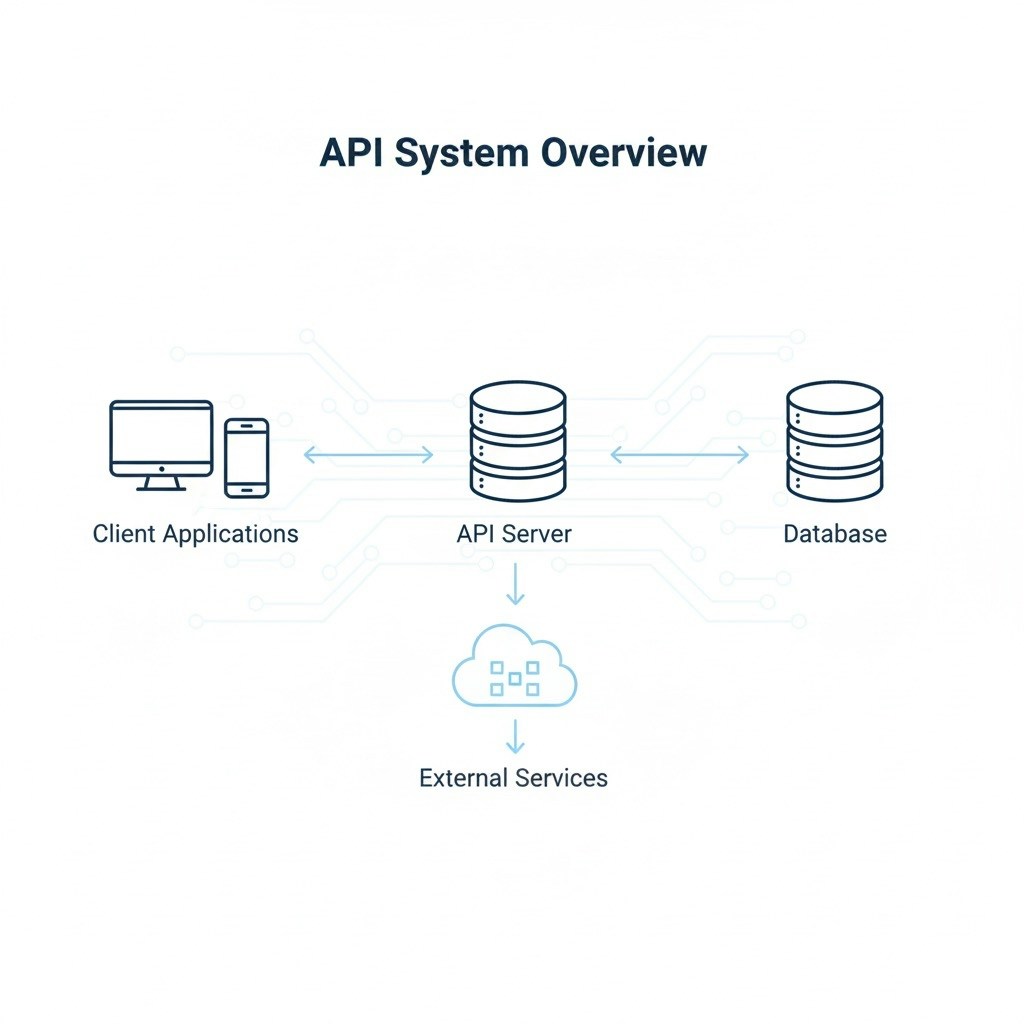
The eStream API provides secure access to internal data and endpoints through an authentication token.\
All endpoints are REST-based and respond in JSON.
## Steps to Begin
1. **Request API Access**\
Contact your administrator or integration support team to receive your API credentials.\
You’ll receive a username, password, and environment URLs (QA and Production).
2. **Authenticate and Get Token**\
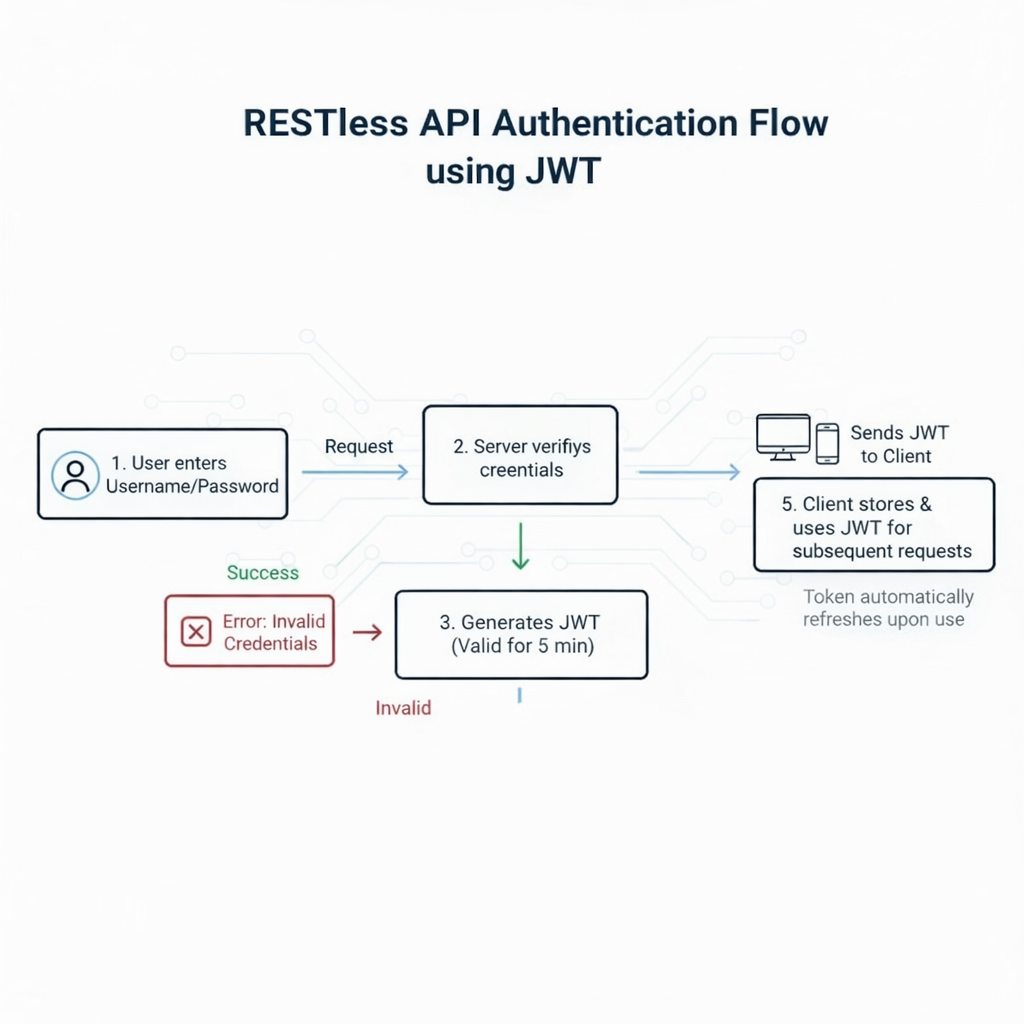
Use your credentials to call the `/auth/token` endpoint.\
You’ll receive a `token` that must be passed as a `token` query parameter on all subsequent requests.
3. **Make Your First Request**\
Once authenticated, use any of the available API endpoints documented in the **API Reference** section.
 ## Authentication
The eStream API uses a secure **token-based authentication** model.
## Login with Username & Password
To obtain a token, call the `/auth/token` endpoint with your username and password.
## Authentication
The eStream API uses a secure **token-based authentication** model.
## Login with Username & Password
To obtain a token, call the `/auth/token` endpoint with your username and password.
 ### Example Request
```http theme={null}
POST /auth/token HTTP/1.1
Content-Type: application/json
{
"username": "demo_user",
"password": "YourPassword123!"
}
```
## How to Use Token
Include your token in every API request as a **query parameter**.
### Example
```http theme={null}
GET /api/telemapper/schedule?officeId=25&token=4f29a9c8318c4678bde1a10f45b41cfd
```
## Environments
### QA vs Production
| Environment | Base URL |
| ----------- | ---------------------------------- |
| QA | `https://tmextapidev.estream.com/` |
| Production | `https://tmextapi.estream.com/` |
💡 **Tip:**\
If you’re new to APIs, start in the QA environment before moving to Production.
### Example Request
```http theme={null}
POST /auth/token HTTP/1.1
Content-Type: application/json
{
"username": "demo_user",
"password": "YourPassword123!"
}
```
## How to Use Token
Include your token in every API request as a **query parameter**.
### Example
```http theme={null}
GET /api/telemapper/schedule?officeId=25&token=4f29a9c8318c4678bde1a10f45b41cfd
```
## Environments
### QA vs Production
| Environment | Base URL |
| ----------- | ---------------------------------- |
| QA | `https://tmextapidev.estream.com/` |
| Production | `https://tmextapi.estream.com/` |
💡 **Tip:**\
If you’re new to APIs, start in the QA environment before moving to Production.